Demo2apk
Turn vibe coding ideas into Android apps
AI-Agent Assisted
Tier 2README
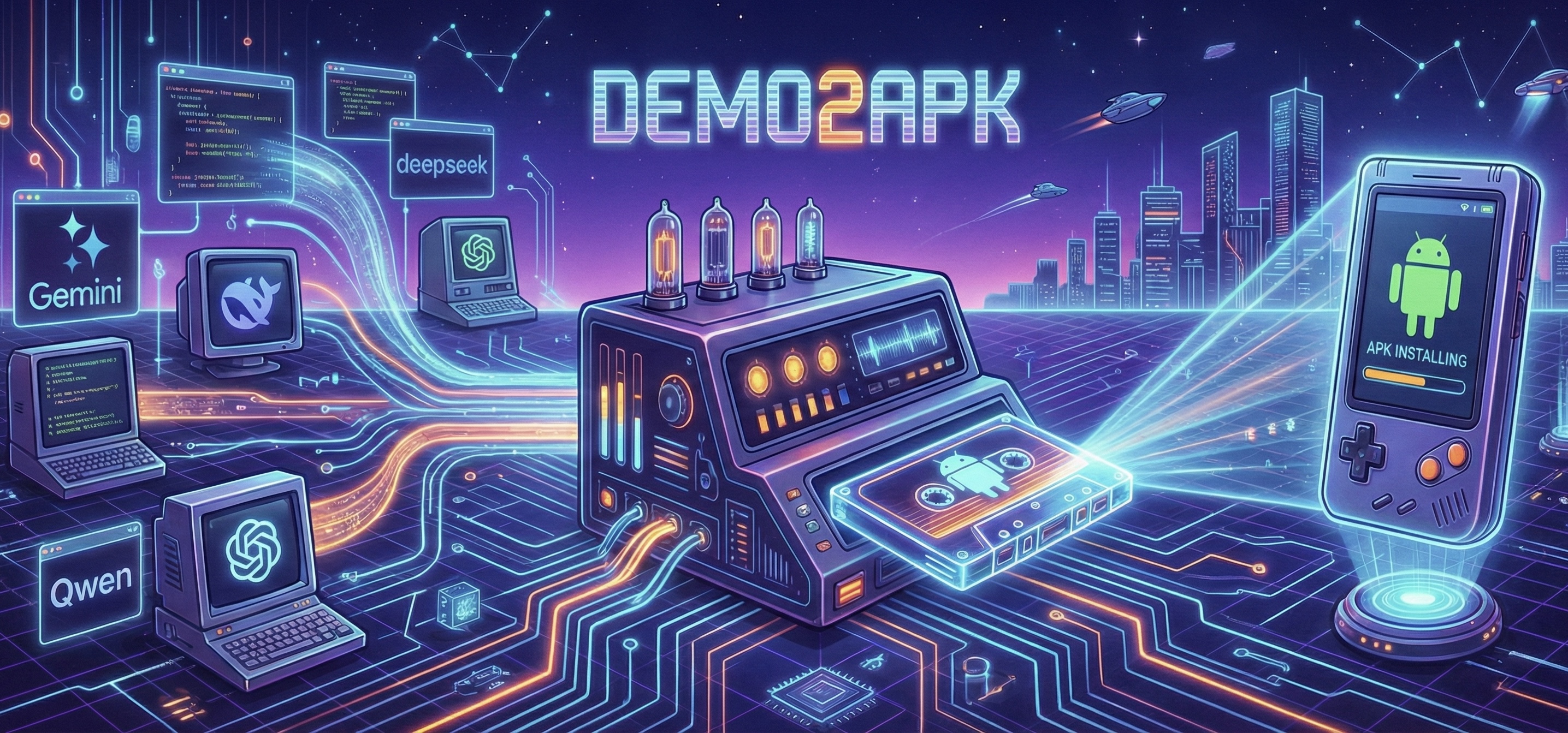
Demo2APK 🚀


Turn your Vibe Coding ideas into runnable Android Apps instantly.
Demo2APK is a one-click packaging tool built for Vibe Coding users. Whether you have a brilliant demo or a complete project generated by AI (Gemini, ChatGPT, DeepSeek, etc.), just upload your files, and we'll generate an installable APK for you immediately. No complex Android development environment setup required—keep your creativity at your fingertips.
Please don't accept APK files from others, as they may contain security risks!
🌐 Free Public Service
We provide a free public instance for everyone:
- 5 builds per IP per hour
- No registration required
- Fully functional, same as self-hosted
Hope this helps! If you find it useful, please ⭐ star this repo!
✨ Core Features
- 🎨 Web Interface: Immersive "Dark Engineering Blueprint" style UI for managing builds.
- ✏️ Customization: Support setting custom App Name, App Version (e.g., 1.0.0), and App Icon during upload.
- 🔐 Android Permissions: Customize Android permissions via UI - select exactly which permissions your app needs (defaults to INTERNET only).
- 📱 PWA Support: Optionally generate an installable Progressive Web App alongside your APK for web deployment.
- 📋 Build History: Automatically saves recent builds and supports session restoration after page refresh.
- 🧠 Intelligent Detection: Automatically detects file types (HTML/React/ZIP) and chooses the optimal build strategy.
- ⏳ Smart Queuing: Handles concurrent builds with a real-time queue system and progress feedback.
- 🔗 Easy Sharing: Generate shareable download links instantly after build completion.
- ⚡️ Blazing Fast: Optimized cloud pipeline delivering APKs in minutes.
- 🌐 Flexible Modes:
- Single File Mode: Supports
.html,.js,.jsx,.ts,.tsx(auto-detects React components). - Paste Code Mode: Paste code directly, intelligent recognition of HTML/React/JS content.
- ZIP Archive Mode: Supports standard React/Vite projects (npm build) and Multi-file HTML projects (no build required).
- Single File Mode: Supports
- 🧠 Smart Offline: Automatically handles CDN resources and JSX compilation to ensure your App runs smoothly offline.
- 🛡️ Rate Limiting: Smart resource allocation (configurable for dev mode).
- 🧹 Auto Cleanup: Build artifacts are automatically deleted after 2 hours to protect privacy and save space.
⚠️ React Projects: Avoiding Blank Screens
Important: If your React/Vite APK shows a white/blank screen, you need to add the legacy plugin for Android WebView compatibility.
npm install -D @vitejs/plugin-legacy terser
// vite.config.js
import legacy from '@vitejs/plugin-legacy'

export default defineConfig({
  plugins: [
    react(),
    legacy({ targets: ['chrome >= 52', 'android >= 5'] })
  ],
  base: './'  // Required for APK!
})
📖 Full Guide: React Project Requirements - Detailed troubleshooting for blank screen issues.
🚀 Quick Start
Option 1: Docker Deployment (Linux Server)
Deploy to your Linux server in 3 minutes using pre-built Docker images.
⚠️ Docker images only support linux/amd64. For macOS, use Local Development.
# 1. Create deployment directory
mkdir -p ~/demo2apk && cd ~/demo2apk

# 2. Download deployment config
curl -O https://raw.githubusercontent.com/DeadWaveWave/demo2apk/main/docker-compose.deploy.yml

# 3. (Optional) Configure environment variables
curl -O https://raw.githubusercontent.com/DeadWaveWave/demo2apk/main/.env.deploy.example
mv .env.deploy.example .env
# Edit .env to customize settings (rate limits, PWA, resource limits, etc.)

# 4. Start services
docker compose -f docker-compose.deploy.yml up -d
Visit http://127.0.0.1:5173 to use the Web UI.
Update to latest version:
docker compose -f docker-compose.deploy.yml pull && docker compose -f docker-compose.deploy.yml up -d
Option 2: Local Development (macOS / Linux)
For macOS users or local development:
# 1. Install dependencies
pnpm install

# 2. Start Redis
docker run -d -p 6379:6379 redis:alpine

# 3. Build project
pnpm build

# 4. Start all services (in separate terminals)
pnpm dev        # API Server (port 3000)
pnpm worker     # Build Worker
pnpm frontend   # Web UI (port 5173)
Visit http://localhost:5173 to use the Web UI.
Option 2: API Usage
If you prefer CLI or script integration, use our REST API.
Single HTML File:
curl -X POST http://localhost:3000/api/build/html \
  -F "[email protected]" \
  -F "appName=TestDemo"
React Project:
# Zip your project first
zip -r test-react-app.zip test-react-app/

# Upload and build (Auto-detects project type)
curl -X POST http://localhost:3000/api/build/zip \
  -F "[email protected]" \
  -F "appName=TestReactApp"
Paste Code:
# Upload raw code (HTML/JS/React)
curl -X POST http://localhost:3000/api/build/code \
  -F "code=<export default function App() { return <h1>Hello</h1> }" \
  -F "appName=MyReactApp"
See API Documentation for details.
⚙️ Configuration
Rate Limiting
To ensure fair usage, rate limiting is enabled by default:
- Limit: Max 5 requests per hour per IP.
- Dev Mode: Can be disabled via environment variables for local development.
Set in .env:
# Disable rate limiting (dev/test only)
RATE_LIMIT_ENABLED=false

# Custom limit (default 5)
RATE_LIMIT_MAX=10
File Retention
To save storage and protect user data:
- Retention: Generated APKs and temp files are deleted after 2 hours.
- Cleanup: Background worker scans for expired files every 30 minutes (configurable).
Configure via environment variable:
# Retention period (hours)
FILE_RETENTION_HOURS=2

# Whether to delete Cordova/Capacitor work dirs after each build
CLEANUP_BUILD_ARTIFACTS=true

# Whether to delete uploaded inputs after each job (default true)
CLEANUP_UPLOADS_ON_COMPLETE=true

# Worker-side cleanup of old APKs/builds/uploads
FILE_CLEANUP_ENABLED=true
FILE_CLEANUP_INTERVAL_MINUTES=30
Concurrency & Queuing
Control how many builds run simultaneously. Excess builds will be queued automatically.
# Number of concurrent builds (default 2)
WORKER_CONCURRENCY=2
📝 Changelog
See CHANGELOG.md for release history.
📚 Documentation
- API Docs - Complete REST API reference
- Deployment Guide - Production deployment instructions
- React Project Guide - Best practices for React compatibility (avoiding blank screens)
🛠️ Tech Stack
- Frontend: React, Vite, Tailwind CSS (Blueprint Style)
- Backend: Node.js, Fastify, TypeScript
- Queue: BullMQ, Redis
- Build: Cordova, Capacitor, Gradle
- Deploy: Docker, Docker Compose
📈 Community
Made with ❤️ for Vibe Coding
Tags
Similar Tools
Vibesdk
Open-source vibe coding platform on Cloudflare
Lk Locator
Simple vibe coded Sri Lanka locator app
Hapi
App for Claude Code/Codex/Gemini, vibe coding anywhere
Billmanager
Track monthly bills and subscriptions
Traktarr
Export Trakt history without subscription
Gemini Voyager
Enhancement suite for Google Gemini