Nano Banana Desktop
Inpainting utility and image editor
AI-Agent Assisted
Tier 2README
Nano Banana Desktop
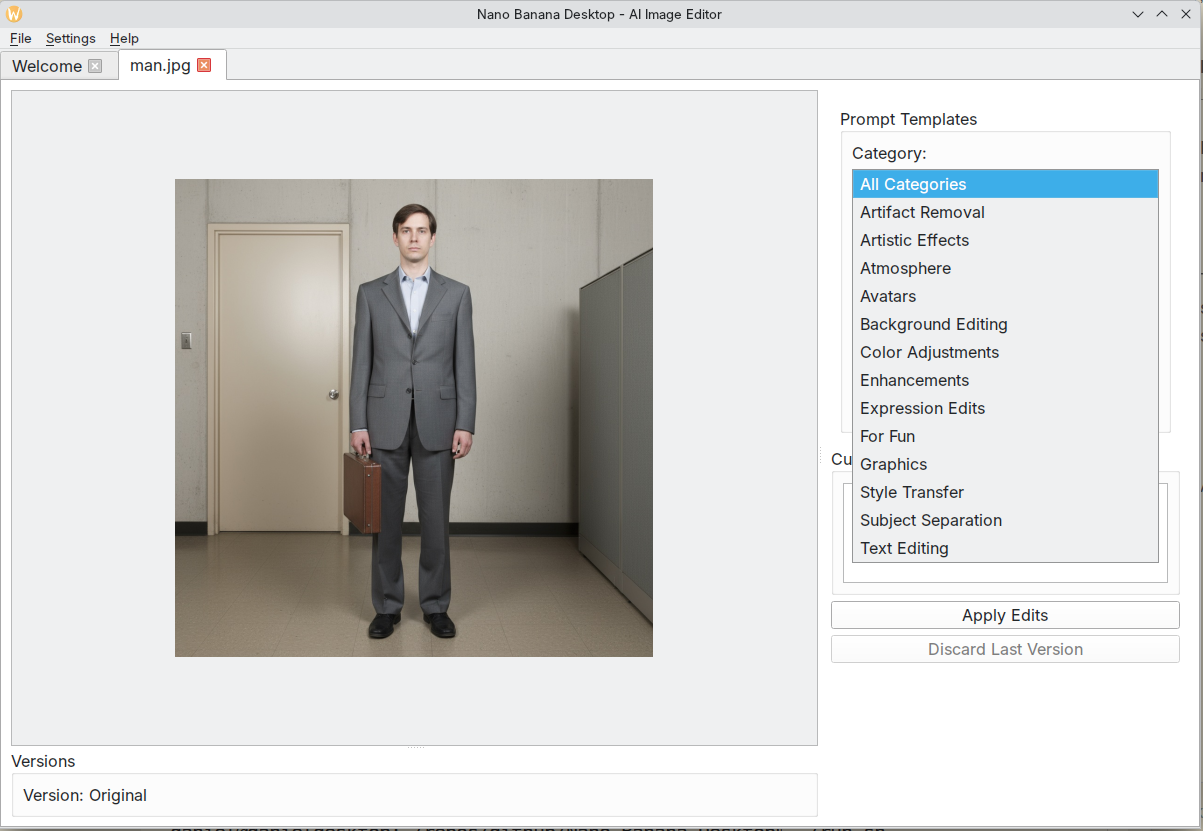
⚠️ Work in Progress - v1.0.0 Release
A desktop image editing utility for Linux that leverages Google's Gemini Flash 2.5 Images (Nano Banana) for AI-powered image transformations.
This is an early-stage experimental project that provides a functional desktop interface for applying AI-powered image transformations using Google's Gemini API. The basic implementation has been validated and works reliably for image-to-image transformations using prompt templates.
Project Status
This v1.0.0 release represents a minimal viable product that demonstrates:
- Working Gemini API integration for image transformations
- Desktop GUI with tab-based workflow
- Prompt template library for common edits
- Basic image versioning and backup
Future Plans:
- Support for additional API providers (Claude, Replicate, etc.)
- Enhanced editing capabilities
- More sophisticated prompt management
- Performance optimizations
- Expanded template library
Note: This project was developed using AI-assisted coding (Claude Code) and is released as-is for experimental use.
Features
- Tab-based interface for managing multiple images
- AI-powered image editing using Gemini's image-to-image capabilities
- Prewritten prompt templates for common edits
- Custom prompt support
- Version control with automatic backup
- Iterative editing workflow
- Multiple aspect ratio support (1:1, 16:9, 21:9, 9:16)
- Secure API key storage
Screenshots
Requirements
- Python 3.10 or higher
- Linux with KDE/Qt support
- Google Gemini API key
Installation
Option 1: Install from .deb Package (Recommended for Ubuntu)
Download and install the latest .deb package:
# Download the latest release from GitHub
# Visit: https://github.com/danielrosehill/Nano-Banana-Desktop/releases

# Install the package
sudo dpkg -i nano-banana-desktop_1.0.0_amd64.deb

# Fix dependencies if needed
sudo apt-get install -f
After installation, run from terminal:
nano-banana-desktop
Or search for "Nano Banana Desktop" in your application menu.
Updating:
./update-deb.sh  # Auto-downloads and installs latest release
# OR
./update-deb.sh path/to/new-package.deb  # Install specific package
Option 2: Quick Start from Source
- Clone the repository:
git clone https://github.com/danielrosehill/Nano-Banana-Desktop.git
cd Nano-Banana-Desktop
- Run the setup script:
./setup-venv.sh
- Run the application:
./run.sh
Manual Installation
If you prefer to set up manually:
cd code
uv venv .venv
source .venv/bin/activate
uv pip install -e ".[dev]"
Usage
Coming soon!
Building
Build Standalone Executable
To build a standalone PyInstaller executable:
./build.sh
This will create a self-contained executable at ./dist/nano-banana-desktop that can be run without needing Python installed.
Build .deb Package
To build a Debian package for Ubuntu:
./build-deb.sh
This creates a .deb package at ./dist/nano-banana-desktop_1.0.0_amd64.deb that can be distributed and installed on Ubuntu systems.
The .deb package:
- Installs to
/opt/nano-banana-desktop - Creates launcher command
nano-banana-desktop - Adds desktop entry to application menu
- Manages virtual environment automatically
- Handles dependencies through apt
Development
This project uses:
- PySide6 for the GUI
- google-genai for Gemini API integration
- Pillow for image processing
- keyring for secure API key storage
Project Structure
Nano-Banana-Desktop/
├── code/                    # Main codebase
│   ├── nano_banana/        # Python package
│   │   ├── ui/             # GUI components
│   │   ├── core/           # Core functionality and API integration
│   │   └── utils/          # Utility functions (includes prompt loader)
│   ├── prompts/            # Prompt template library
│   │   ├── artistic-effects/
│   │   ├── color-adjustments/
│   │   ├── background-editing/
│   │   └── ... (14 categories total)
│   └── tests/              # Test suite
├── docs/                   # API documentation
├── dev-spec/               # Development specifications
├── setup-venv.sh           # Virtual environment setup script
└── run.sh                  # Application runner script
Prompt Templates
The application includes 14 categories of pre-written prompt templates:
- Artifact Removal
- Artistic Effects (comic book, impressionist, pop art, etc.)
- Atmosphere
- Avatars
- Background Editing
- Color Adjustments
- Enhancements
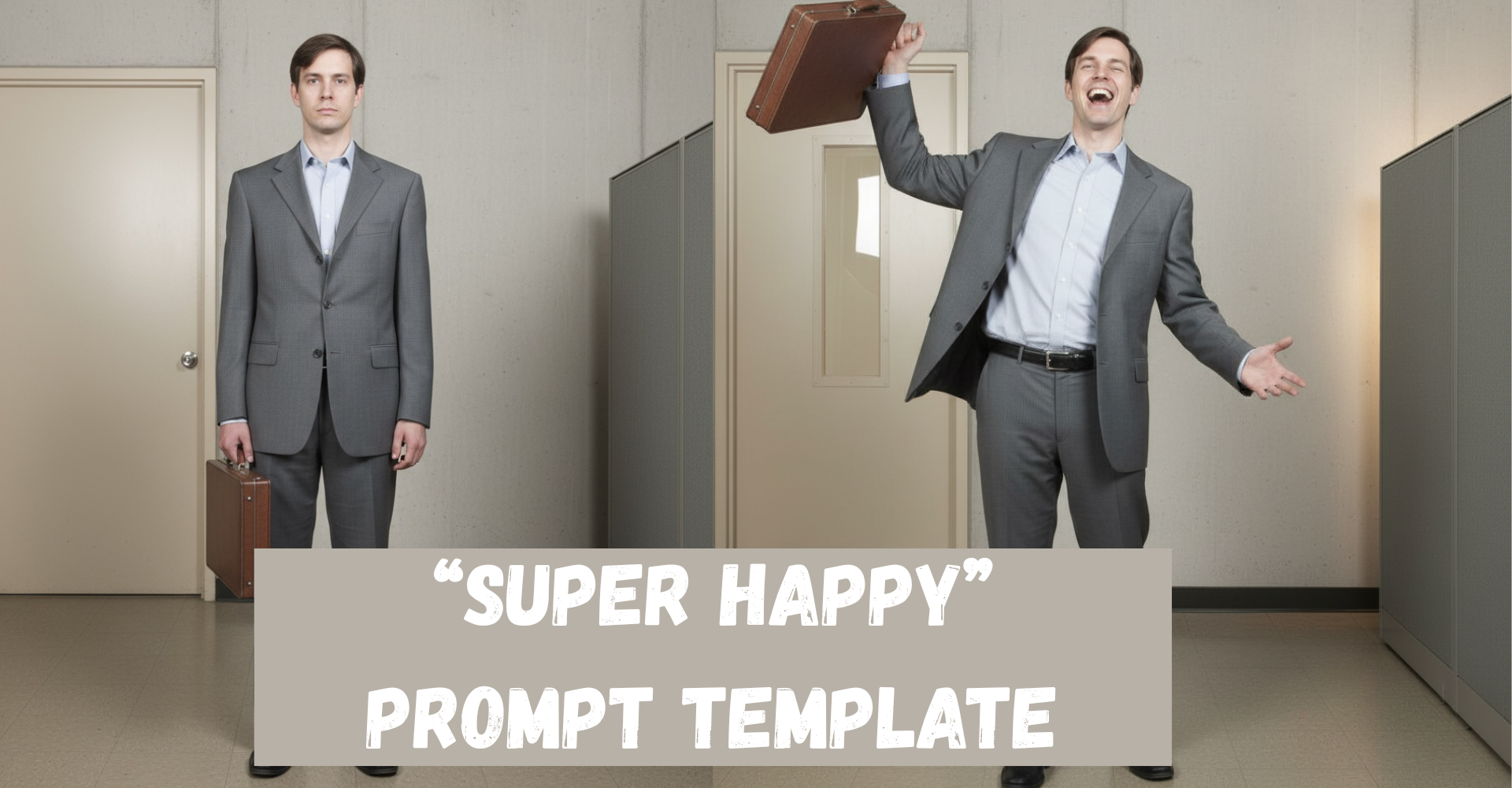
- Expression Edits
- For Fun
- Graphics
- Style Transfer
- Subject Separation
- Text Editing
License
TBD
Author
Daniel Rosehill
Tags
Similar Tools
Context Engineering Intro
Context engineering for AI coding assistants
Mam Audiofinder
WebUI for audiobook downloads
NanoBananaEditor
AI image generator and editor application
Chaterm
Open source AI terminal and SSH Client
Claude Coach
AI-powered running coach
Infinite RPG
Procedurally generated infinite RPG with AI